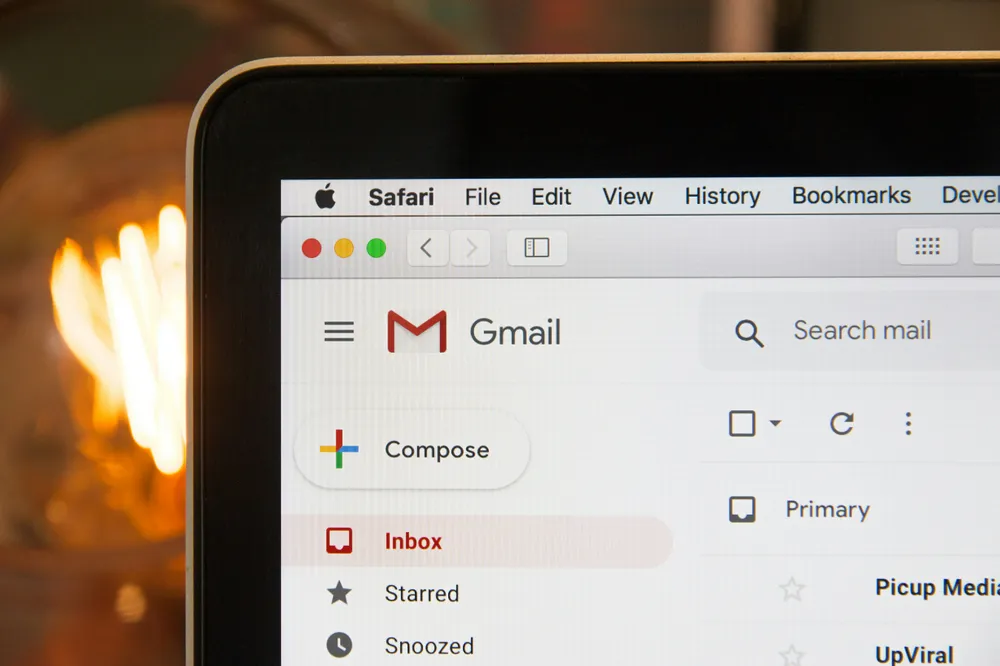
Most agencies start with email.
It’s simple. Familiar. Easy.
And at first, it works.
But as projects grow, something changes.
You’re no longer just communicating.
You’re trying to manage:
- files
- feedback
- approvals
- next steps
And email starts to struggle.
The real issue: using email to manage structured work
Email works well for conversation.
It breaks down when you try to use it as a system.
Most agencies don’t switch tools because email is “bad.”
They switch because:
they’re trying to force email to handle structured, multi-step work.
That’s where things start to slip.
Where email vs. a client portal actually differ
This isn’t about “better” or “worse.”
It’s about how each approach handles work.
1. How work is initiated
Email
- You send a message explaining what you need
- The client interprets it and replies
Client portal
- You send a structured request
- The client completes clearly defined fields or steps
Summary: Email is open-ended. A portal guides action.
Email
- Files, feedback, and messages live in threads
- Context builds over time, but isn’t structured
Client portal
- Each request has a defined place for:
- files
- responses
- approvals
Summary: Email is chronological. A portal is organized by task.
3. How feedback works
Email
- Feedback comes in replies, often fragmented
- You consolidate it manually
Client portal
- Feedback is tied to specific items
- Responses live exactly where they’re needed
Summary: Email scatters input. A portal keeps feedback contextual.
(We cover this in depth in our guide on collecting client feedback.)
4. How progress is managed
Email
- You track progress mentally or in separate tools
- Clients don’t see what’s complete vs. pending
Client portal
- Progress is built into the system
- Both sides can see what’s done and what’s next
Summary: Email makes progress implicit. A portal makes it visible.
What this looks like in practice
Let’s say you need homepage content and feedback.
In email
You send:
“Can you send homepage copy and review the design?”
The client:
- replies with partial content
- attaches a few files
- adds feedback inline
Now you:
- search through threads
- figure out what’s missing
- follow up to clarify
In a client portal
You send a request with:
- homepage copy fields
- file upload sections
- design feedback section
The client:
- fills in each field
- uploads files in place
- submits feedback in context
Now:
- everything is complete or visibly missing
- nothing needs to be reconstructed
How to use email and a client portal together
You don’t need to replace email entirely.
Use:
-
Email for:
- quick conversations
- updates
- simple requests
-
Client portal for:
- collecting files and content
- managing feedback
- guiding multi-step work
(For a practical example, see our client feedback template and website project checklist.)
They serve different roles.
A better way to manage client work
This is exactly what we built ClientRoom for.
Instead of trying to manage structured work through email, you:
- send guided requests
- collect files and feedback in one place
- move clients through defined steps
Email becomes support—not the system.
👉 Try ClientRoom for your next project
The takeaway
Email works for communication.
A client portal works for coordination.
Once your projects require structure, relying on email alone creates unnecessary friction.
What to do next
If your projects are simple, email is enough.
If you’re:
- chasing information
- piecing together feedback
- managing multi-step workflows
It’s time to introduce structure.
👉 Try ClientRoom: https://clientroom.io